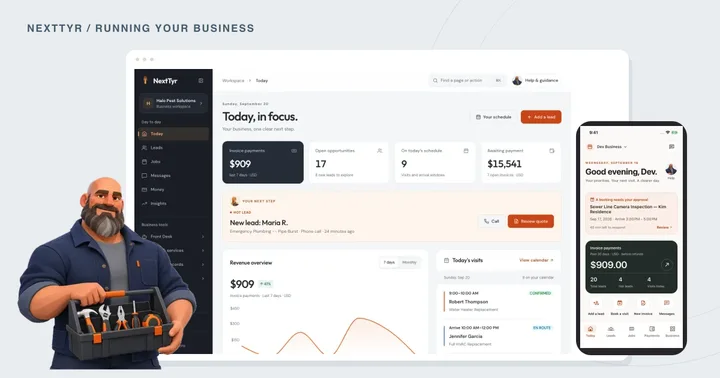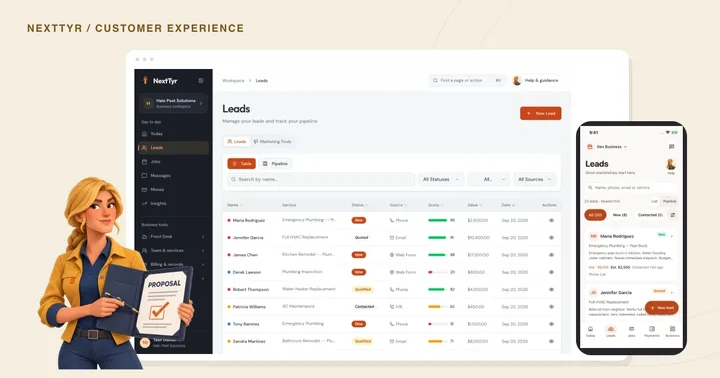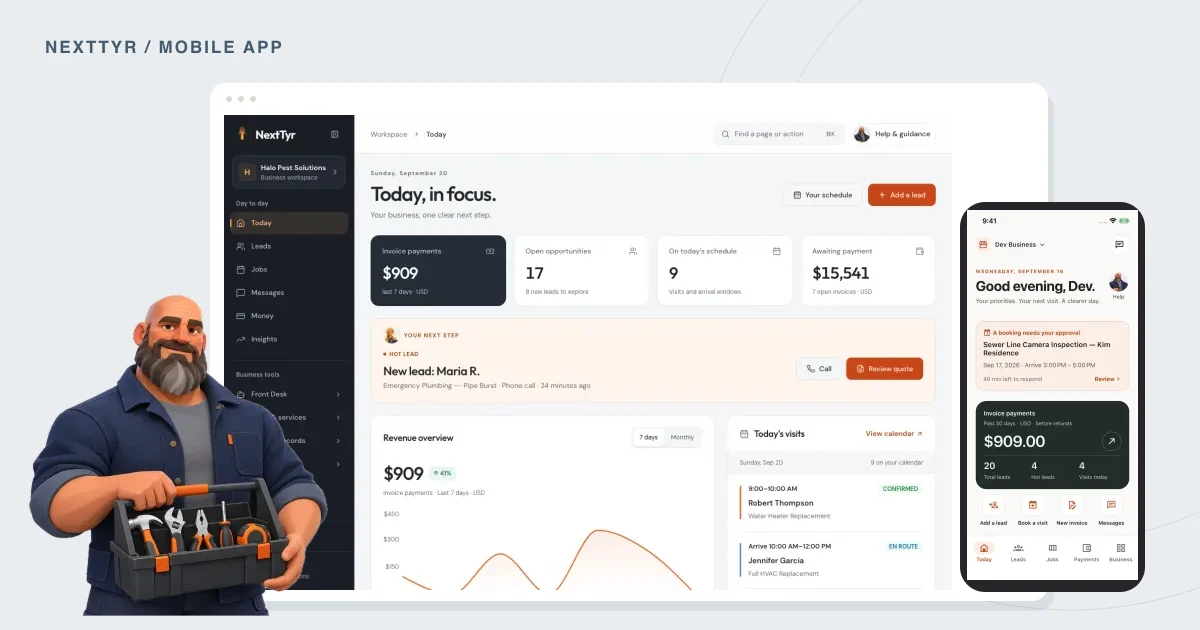
The NextTyr mobile app lets you check conversations, leads, appointments, and payments when you’re away from your computer.
You’re about to leave for an appointment when a customer asks about an invoice. The answer is in your account, but your laptop is back at the office. That’s the kind of moment the NextTyr mobile app is built for. You can check messages, leads, appointments, and payments from your phone. The screenshots in this article show the actual app with sample business data.
Take a look before you head out.
Open the business overview and check what needs attention. There may be a new inquiry to read or an appointment you want to confirm before leaving. You don’t have to deal with everything at once. Start with anything that could change the next part of your day.
If a customer has asked about this afternoon’s visit, for example, read that message before you set off. It’s easier to sort out a missing detail while you still have time to do something about it.
Read the conversation before calling back.
The conversations view lets you review customer messages and pending replies. Leads have their own view, where you can look up an inquiry and the details that came with it.
Before you return a call, check what the customer has already told you. Did they mention a preferred date? Are they asking about an existing quote? Having that information in front of you saves them from explaining the request again. It also helps you decide whether a quick answer will do or whether you need time to work through the details.
Check the next appointment or invoice.
Open the schedule to review your next appointment and its customer details. This is useful when you’re moving between locations or checking tomorrow’s plans before closing up for the day.
In the payments view, you can review invoices, payment totals, and outstanding balances. Check the status before contacting a customer about a bill. The figures in these screenshots are sample records used to show the interface.
Use whichever screen suits the job.
You might plan the day at your desk, check a message on your phone, and return to the computer for a longer review. There’s no need to move every task to mobile just because you can.
Mobile access is included in both NextTyr business plans. The mobile app page has more screenshots if you’d like to see the other views. If you already use NextTyr, try starting with one thing you regularly need while you’re away from the office, such as checking the next appointment.
TAKE A LOOK AROUND
See it in NextTyr.

Actual product · sample business · Your day at a glanceTap the image for a closer look.
Try this before your next appointment
Check off each step as you go.

Want to see how this works in NextTyr?
Explore the mobile app