Remind the customer what you discussed, give them something useful, and ask one question they can answer. Keep their timing in mind.
You sent the quote a few days ago and haven’t heard back. It’s tempting to write “just checking in,” but that leaves the customer to remember the details and decide what you’re asking. Give them a little more to work with. A useful message can answer a question, clarify the quote, or ask whether the timing still suits them.
Keep a note of what’s still unanswered.
After the first conversation, record what the customer wants and what you still need to know. Maybe they’re choosing between two services. Maybe you need a photo before you can price the work. That unfinished detail gives your next message a reason to exist.
If they tell you when they’ll be ready to decide, use that timing. Someone who says they’re waiting until next week probably doesn’t need another reminder tomorrow. If a deadline matters, explain why rather than just asking for a quick answer.
Give them something specific to answer.
Refer to the request and ask one question. For example: “Hi Alex, the quote includes removing the old fixture. Would you like me to check availability for next Thursday?” The customer knows which job you mean and what a reply would accomplish.
Only offer dates, prices, or inclusions you can confirm. If you’re waiting for information, say so. Keep the message focused; another offer or a long introduction can make the original question harder to find.
Update the request when they reply.
Once you have an answer, change the note or reminder that prompted the message. If the customer needs another week, record that. If they’ve accepted, remove the reminder to chase the quote.
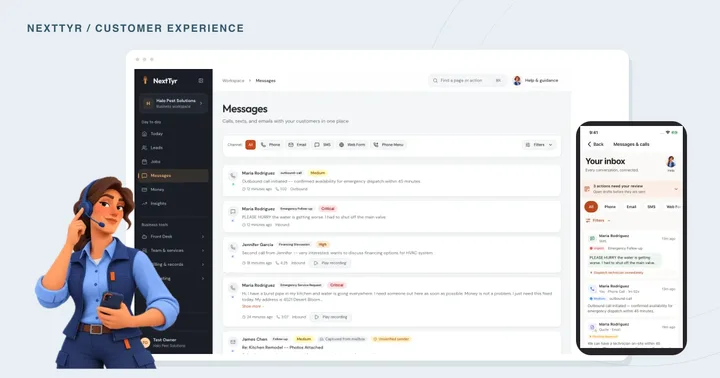
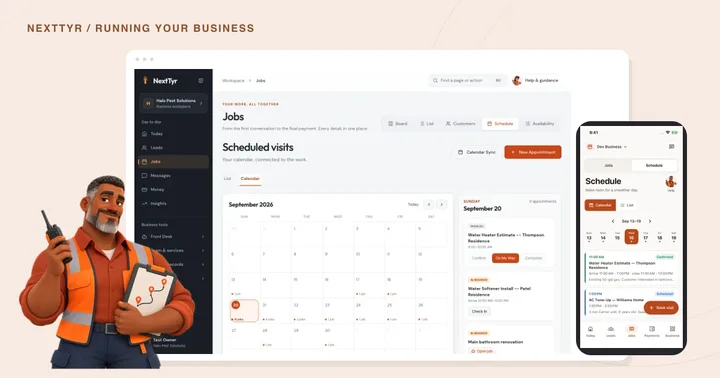
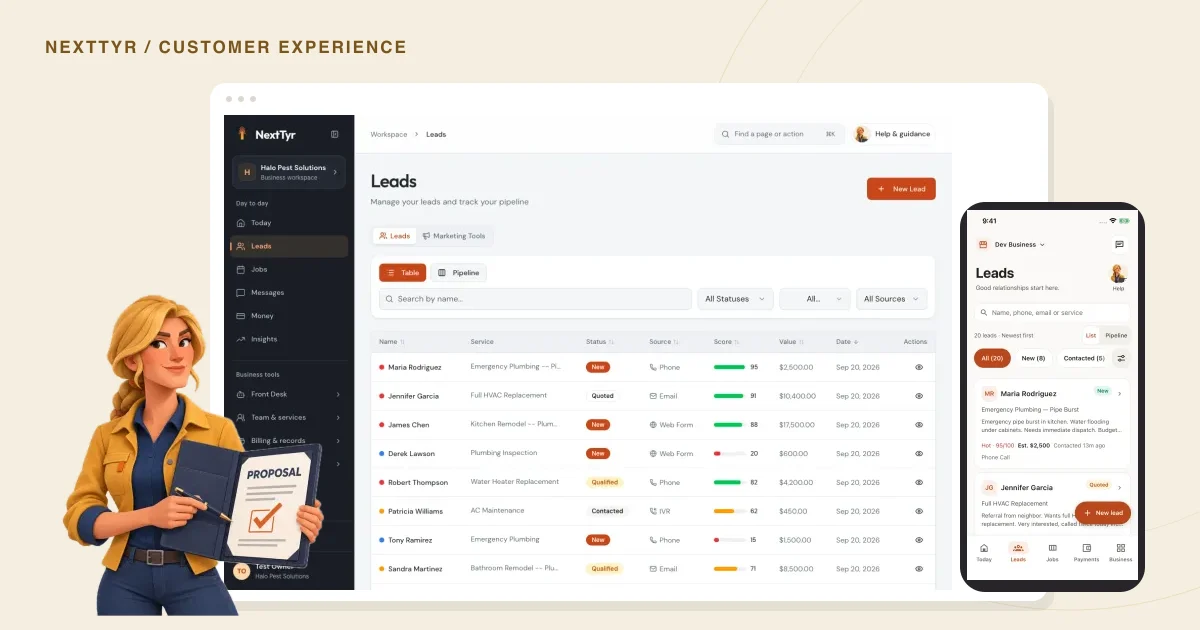
NextTyr keeps lead details organized and customer conversations in the front desk. Read those records before making contact so you don’t repeat a question someone has already answered. The screenshots below show the lead views on desktop and in the native mobile app, using sample business data.
Know when to leave it there.
Some customers won’t be ready to book. Respect a request to stop and use the contact method they expect. If there’s nothing more to ask, you can close the request without making it awkward.
A short message is enough: “I’ll close this request for now. If the timing changes, reply here and we can pick it up again.” You’ve told them where things stand, and they know how to reach you later.
TAKE A LOOK AROUND
See it in NextTyr.

Actual product · sample business · Your leads, organizedTap the image for a closer look.
Before you contact the customer again
Check off each step as you go.
BORROW THESE WORDS
Adapt this for your next message.
Hi [name], following up on [specific request]. [Useful answer or detail]. Would you like to [one next step]? If your timing has changed, just let me know.

Want to see how this works in NextTyr?
Meet your sales teammate