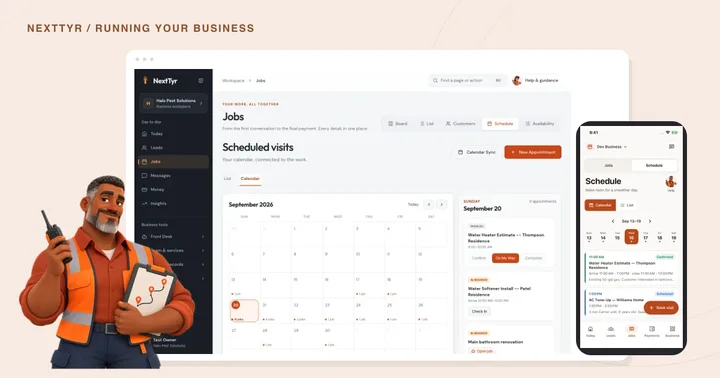
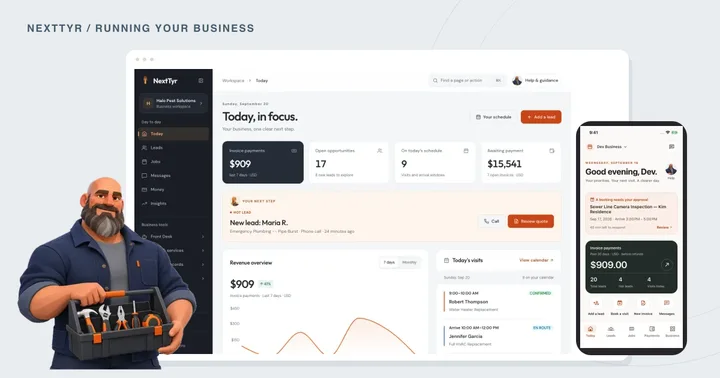
NextTyr People brings employee hours, team schedules, time off, and timecard review into one workspace. This is a preview of the private pilot; it is not generally available yet.
It’s Wednesday afternoon. Someone needs Friday off, next week’s shifts are still in a spreadsheet, and a timecard is missing yesterday’s clock out. These are ordinary parts of running a team, but they tend to land on the owner’s desk at the same time. NextTyr People is a new workspace for that work, with Rowan as your People teammate. Here’s a first look at the private pilot we’re preparing.
Say hello to Rowan.
You’ll recognize Rowan by the teal shirt, amber glasses, and notebook. Look for that face beside People & time in the dashboard and People with Rowan in the app. Rowan’s role is to help you find your way through employee hours, shifts, and time off.
The workspace separates your own time from managing the team. Employees can get to their clock and weekly timecard; owners and admins can review submitted hours and plan who is working. Rowan provides guidance along the way. Decisions about time and leave stay with the people responsible for them.
Start with the hours people actually worked.
An employee can clock in, add a work label, take a paid or unpaid break, switch what they’re working on, and clock out. A weekly timecard brings those records together so they can check the details before submitting their time.
If someone forgets to clock out, there’s a correction workflow. The change includes a reason and keeps a record of what was changed. Submitted time then goes through review: a manager can approve it or return it with feedback. A saved entry and an approved entry are different stages, so everyone can see what still needs attention.
Give the usual week a starting point.
For an employee with regular hours, save the weekdays, start and finish times, and a weekly pattern or one that repeats every two weeks. People prepares the next four weeks of shifts from that pattern. New rules create drafts by default, so you can review the week before publishing. Automatic publication is a separate choice.
Suppose Alex usually works Monday through Friday, but has approved leave next Thursday. People flags the conflict instead of quietly putting that shift on the calendar. Overlapping shifts and clock change exceptions are also surfaced for review.
You can edit individual shifts, copy a week, or pause a recurring rule. Pausing leaves shifts that already exist in place, including individual changes. People handles employee shifts; your customer appointments still belong in the appointment schedule.
Keep the request next to the schedule.
Employees can request vacation, sick, personal, or unpaid time off. Managers can review those requests alongside the schedule and available balances. That gives a request somewhere to live beyond a text message you need to remember later.
Balances in this pilot are managed manually. Automatic accrual is not included yet. Before your team starts using it, agree who will maintain those balances and who will review requests. The product records the decision; your business sets the policy.
Check the records before the next handoff.
Managers can filter time reports and export a CSV of the selected records. Use the review steps to resolve missing details before you pass the hours along. Approval status and source records help explain where the totals came from.
This export is a time report. People does not run payroll, calculate wages or taxes, or transfer hours to QuickBooks in this pilot. Those connections are separate work on the roadmap. For now, the useful starting point is a set of hours your team has checked.
A preview of what’s coming.
People is being prepared for a private pilot and is not generally available yet. The screens below come from the working dashboard and app branches with sample business data. The app views were captured in Expo web, so they show the app interface rather than a physical phone running iOS or Android.
This first look covers timekeeping, timecard review, employee schedules, recurring patterns, time off, and reports. We’ll share further product updates as the pilot progresses. In the meantime, the checklist below can help you sort out how your team handles these tasks today.
LESS GUESSING. MORE SEEING.
Take a look inside People.

People team schedule
Review who is working, where they are assigned, and which shifts still need to be published.
Dashboard preview · sample business data · People team scheduleTap the image for a closer look.
A few things to agree on with your team
Check off each step as you go.

Want to keep up with People?
Read the latest product updates